How to use our mockups.
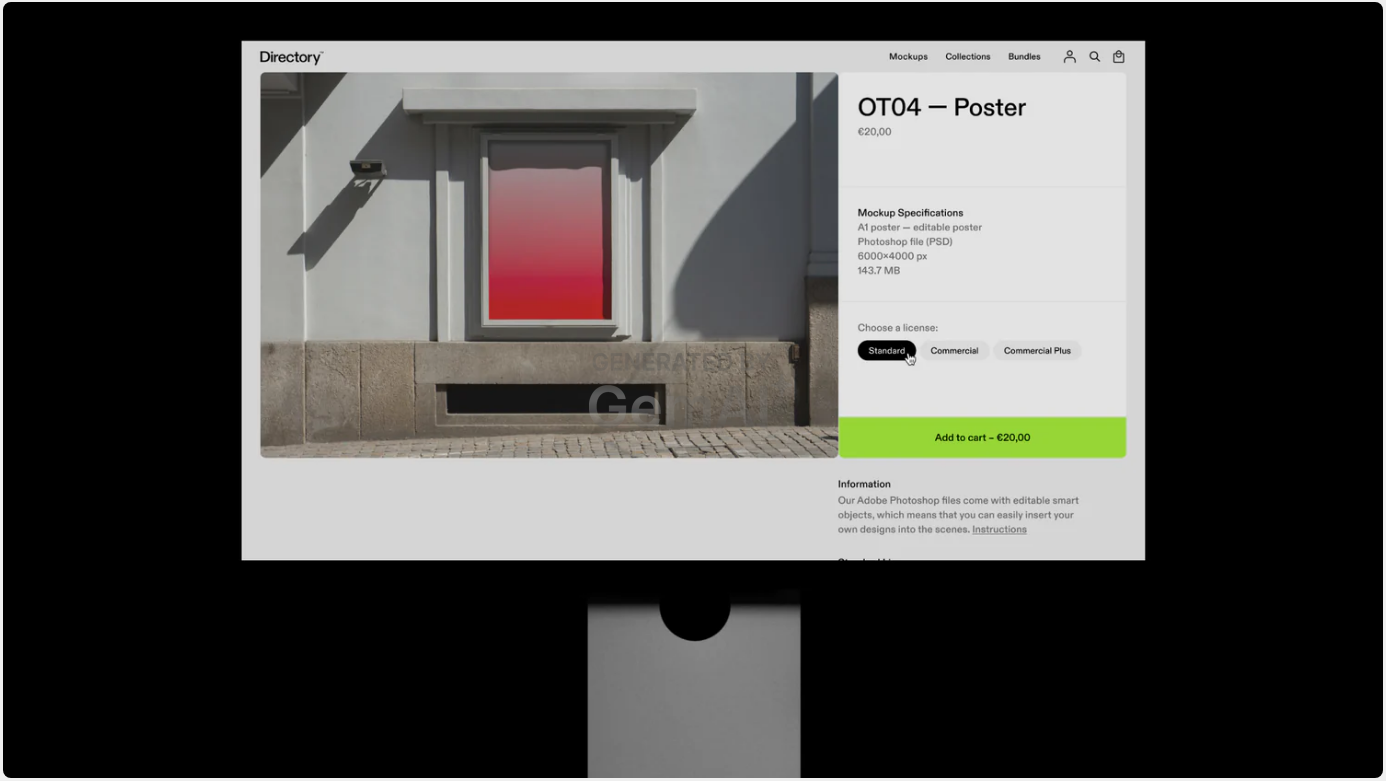
1. Choose your mockup(s)
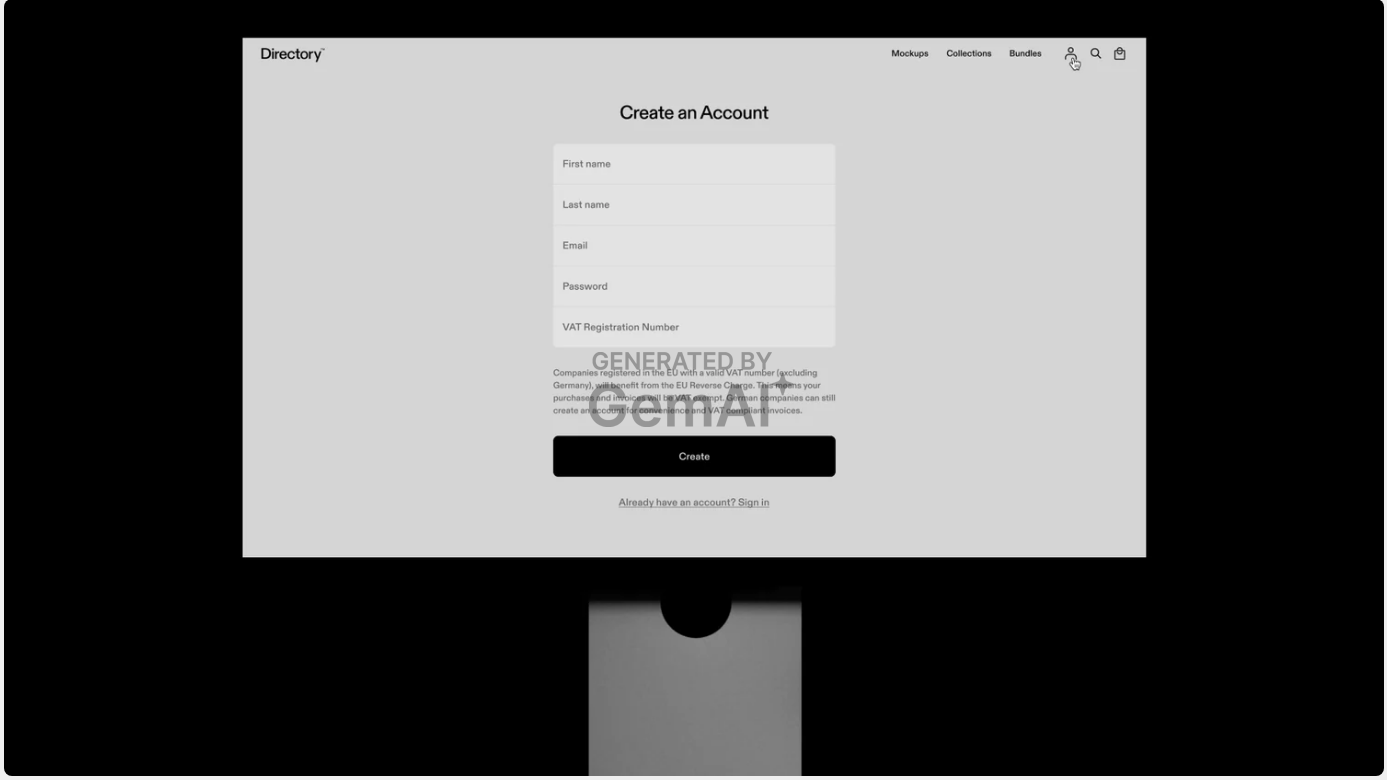
2. Create an account (Optional)
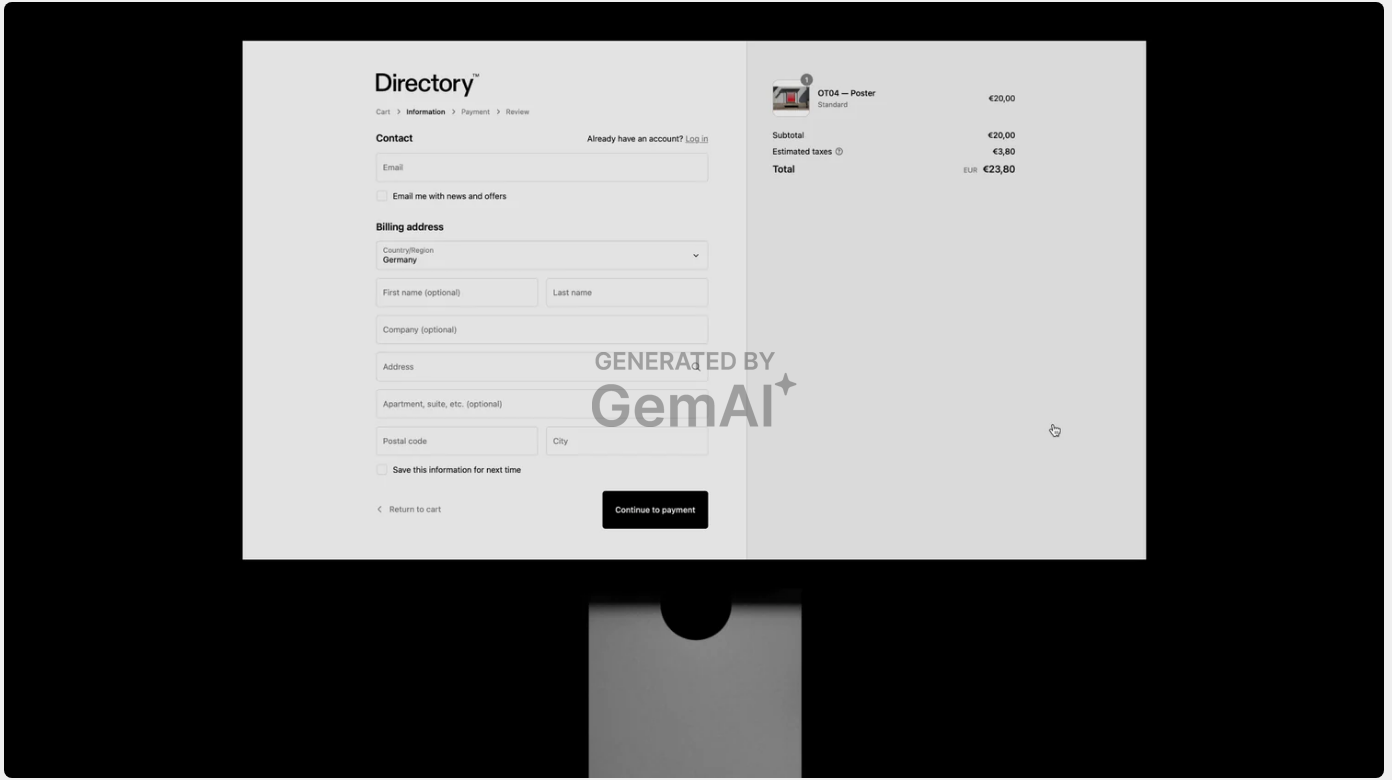
3. Place the order
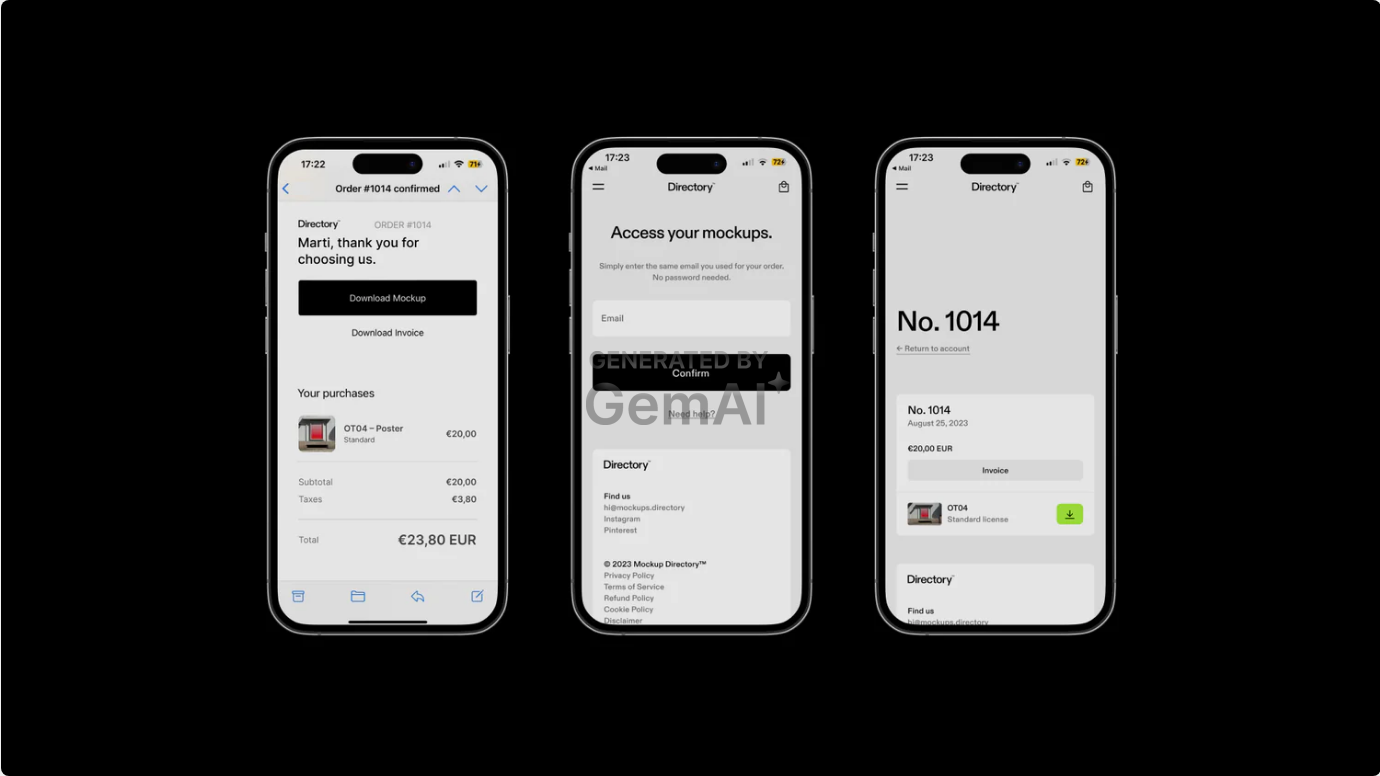
4. Access your mockups
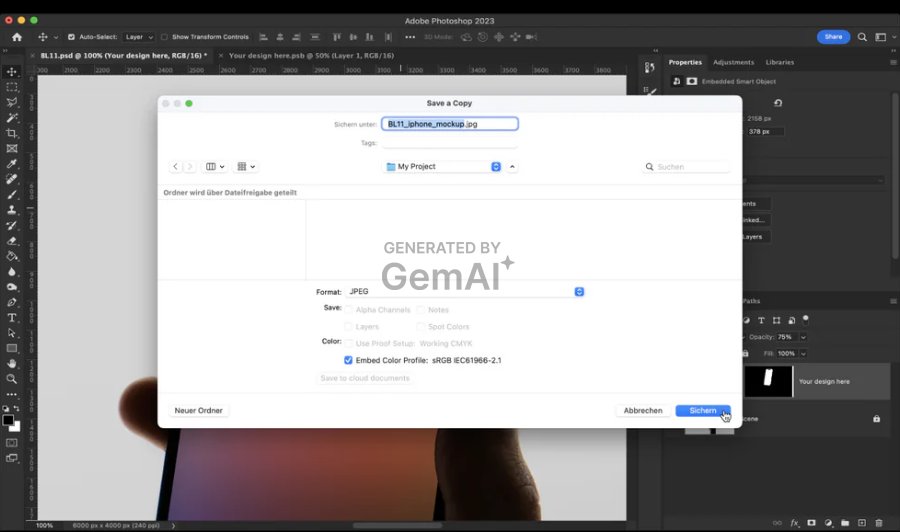
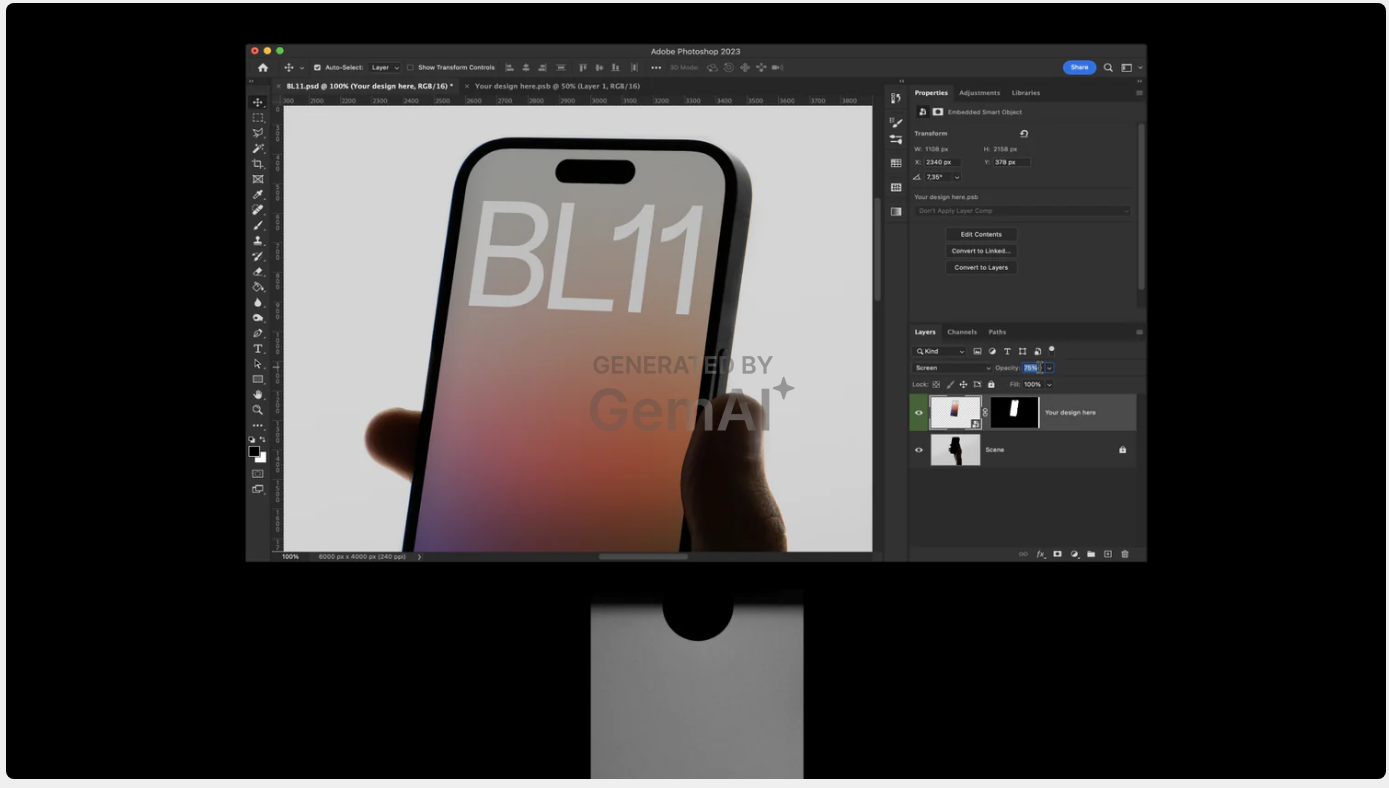
2. Locate the layer containing the smart object. named "Your design here", and highlighted in green.
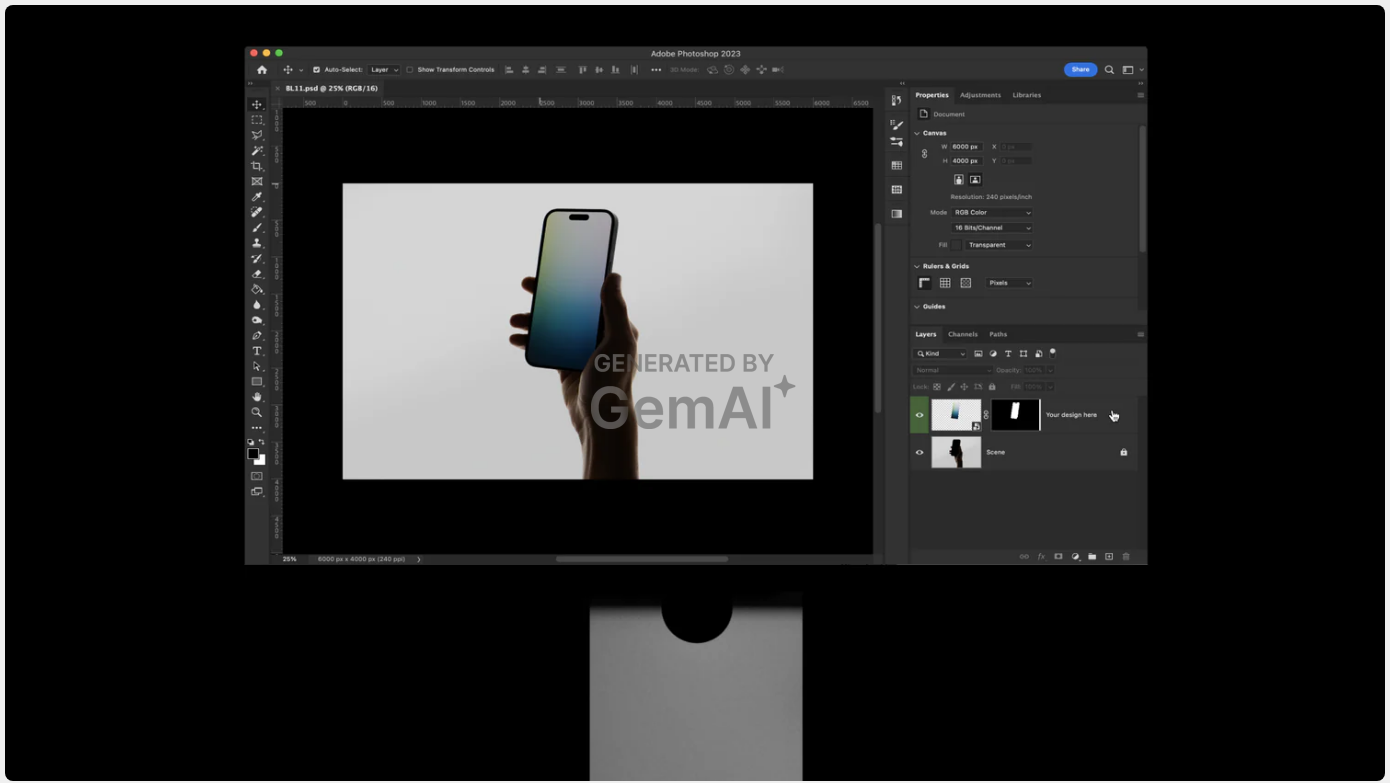
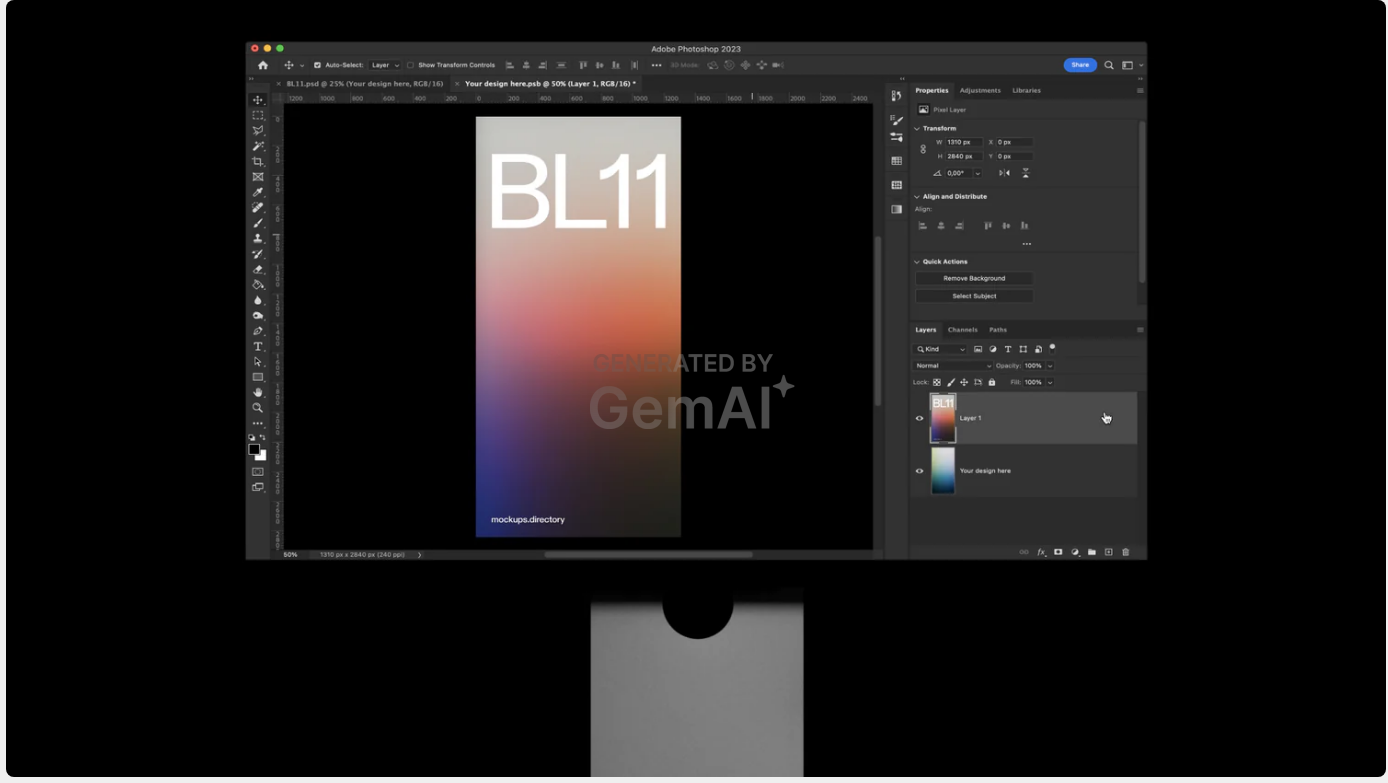
3. Double-click on the smart object layer thumbnail to open the smart object file..
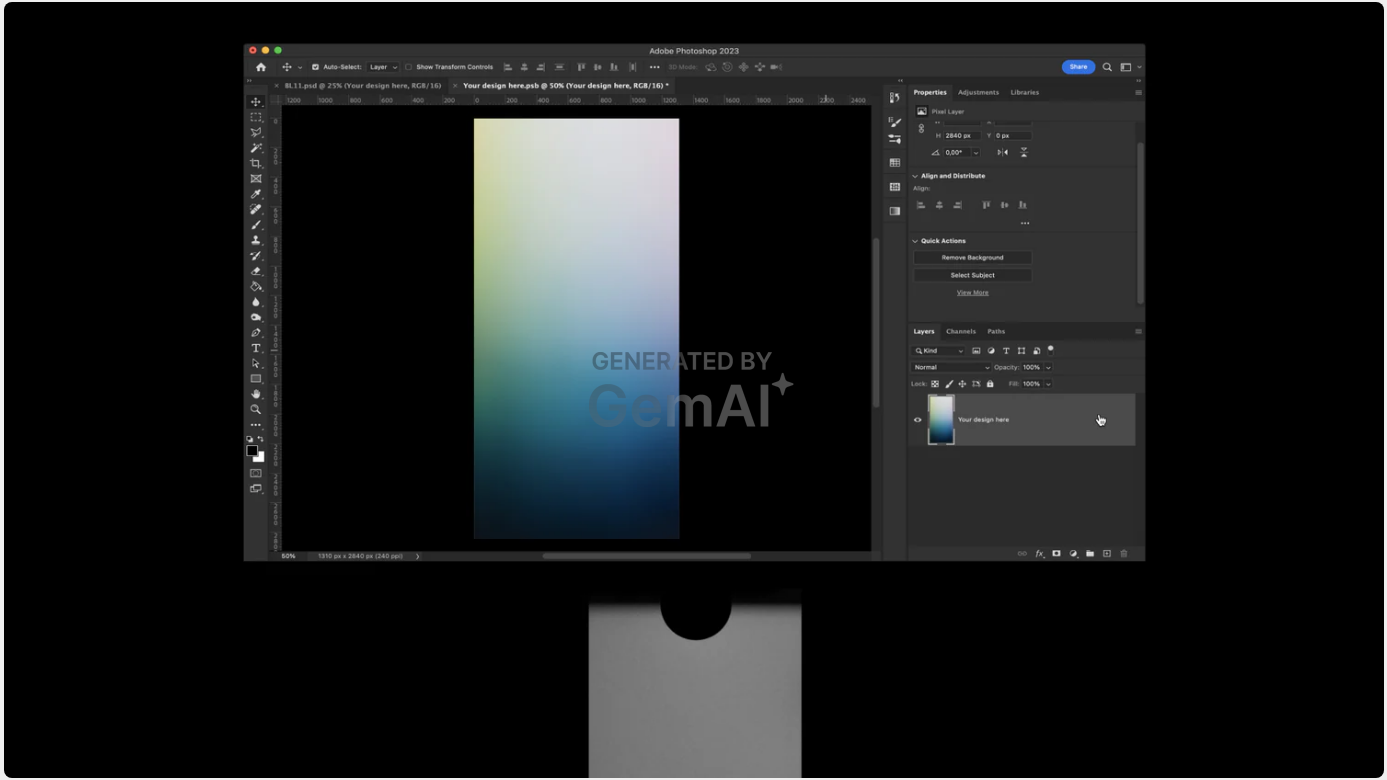
4. Place your design in the "Your design here" window and save it. The changes will now be reflected in the mockup file.
5. If necessary, adjust the opacity and any effects applied to the smart object layer to your taste.
6. Export it to any format you like and share it.